
Your endpoint security tools can spot something suspicious in seconds. The harder question is what happens next. Who sees the alert? Who decides whether it is a real threat? Who acts at 2am if a laptop starts encrypting files? That is the practical gap between EDR and MDR for small and medium-sized businesses.
This post compares endpoint detection and response (EDR) with managed detection and response. We will separate the software from the service, so you can see what each option actually pays for. You will learn what EDR is, what a managed detection and response service adds, and how they compare side by side for SMEs. We will also cover who watches alerts, during which hours, who can isolate a device at 2am, and when detection alone is not enough.
You will find questions to ask in a quote, and we will explain where Blowfish Technology’s Cyber Security (EDR, threat hunting) service fits into the decision. Where relevant, we will refer to the official Cyber Security Breaches Survey 2025/2026 source instead of quoting unchecked figures. The goal is simple: help you choose cover that matches your risk, your team, and your budget.
What is endpoint detection and response (EDR)?
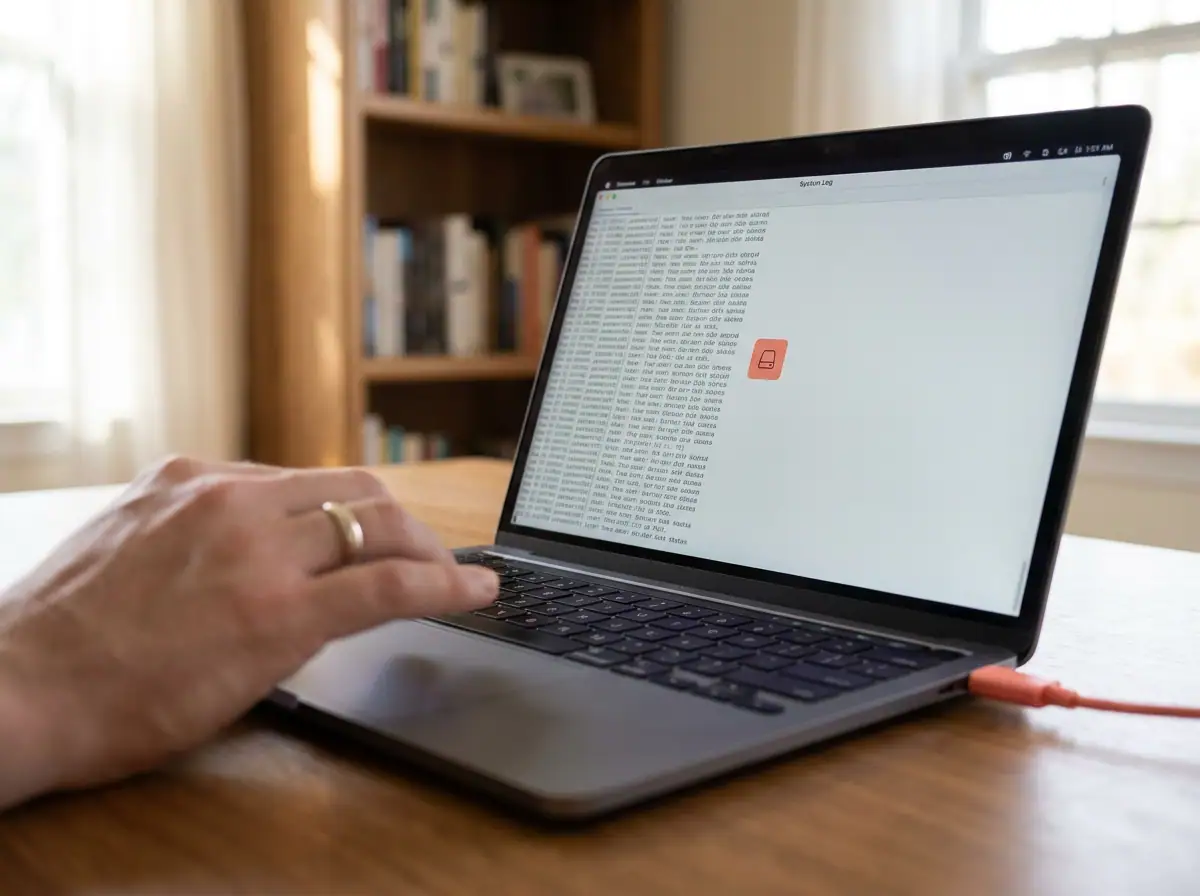
In plain English, the meaning of endpoint detection and response (EDR) is software installed on the devices your people actually use, such as laptops, desktops, servers and mobiles, that continuously records activity on that device and flags behaviour that looks wrong.
An endpoint is anything running an agent: workstations, servers, and in many setups virtual machines and mobile devices. Day to day, an SME will see process and file monitoring, behavioural rules rather than known-bad file lists alone, an alert console, threat intelligence feeds, and sometimes automatic blocking of suspicious files. Understanding this layer is the starting point of Endpoint Security: What Every North West Business Needs to Know.
The limitation is simple. EDR detects and produces evidence. It does not decide who reads an alert, when they read it, or who takes the device off the network. That is a people question, not a product question. NCSC guidance is a more reliable description than vendor product pages, which are marketing material.
One confusion worth clearing up: many SMEs already own EDR because it arrived inside an antivirus or managed IT bundle. Owners then assume cover exists when only a tool does, and a licence nobody watches changes very little. Next, we look at what a managed service adds.
What a managed detection and response service adds
Where EDR stops at detection, a managed detection and response service picks up the rest.
Put plainly, managed detection and response (MDR) is a service, not a product. A provider’s analysts operate the threat detection technology on your behalf and take responsibility for triaging, investigating and responding to what it finds. Managed endpoint detection and response is simply the endpoint-shaped slice of that market, sitting alongside monitoring of networks, cloud workloads and user identities.
In principle, the service fee buys named human analysts, a defined triage process, documented response actions, escalation paths and reporting you can show to a client, insurer or auditor. NIST’s incident response guidance is a free reference on handling and reporting expectations.
Here is the distinction the whole decision turns on: EDR and MDR can generate the identical alert, but only one arrives with an owner. The difference is accountability, not gadgets.
Be realistic. MDR is a broad market category, and providers vary widely in hours of cover, response authority, and whether they can act on your device or only advise you.
So hold on to one question when you compare quotes: if this alert fires at 2am, whose phone rings, and what are they allowed to do without calling you first?
EDR vs MDR: a side-by-side comparison for SMEs
With the tool and the service separated, here is how the two compare in practice.
| EDR software | MDR service | |
|---|---|---|
| What it is | Detection tool | Monitored response service |
| Console owner | You | Provider’s analysts |
| Hours of cover | Your staff hours | Contractual, often evenings and weekends |
| Alert triage | You | Named responders |
| Device isolation | You or preset automation | Defined in contract |
| Contract shape | Licence | Monthly service |
| You supply | Staff, plan, decisions | Policy decisions and business risk |
EDR-only pros: lower entry cost, full control, workable if you have genuine IT capacity to review alerts and run a response plan, and no dependency on a third party’s schedule. Cons: alert volume against available staff hours, no cover out of hours, and a single point of failure if one person holds all the knowledge.
MDR pros: named responders, defined response actions and timescales, evening and weekend cover, and less reliance on one internal generalist being available. Cons: ongoing monthly cost, you still own policy decisions and business risk, and a weak contract can leave you with monitoring but no authority to act.
For a beginner’s view of what endpoint cover looks like in this region, see our guide to endpoint protection service.
There is no universally right answer, but there is a wrong one: buying detection without deciding who is on shift.
Who watches the alerts, and during which hours?
The previous comparison sets the shape. The hours question decides whether that shape holds when nobody is at their desk. If monitoring runs during business hours only, a hypothetical alert raised at 22:00 sits in a queue until someone logs on the next morning. By then, an incident that looked contained may not be.
Ask for the wording in writing: exact monitoring hours, what happens at the boundary of those hours, and whether weekends and bank holidays are included. Then ask about triage. How many alerts does one endpoint generate in a week across your estate? Who reviews them, how are false positives filtered, and how are you told about anything investigated and closed? A closed alert you never hear about is not reassurance.
Escalation matters just as much. Who is contacted first, in what order, by which channel, and within what time? What happens if nobody answers? These details belong in your What to Look for in an IT Support SLA: A North West Business Guide, not in a verbal promise.
The structural problem is simple: a single IT generalist in an SME cannot be permanently on shift. That is a resourcing reality, not a lack of effort. The Cyber Security Breaches Survey, the annual official statistics release from DCMS and DSIT, is the authoritative UK source on how businesses handle breaches, though no figures should be quoted until the relevant chapter data has been checked. In practice, the managed IT support relationship usually holds this accountability.
Who can isolate a device at 2am?
Isolation cuts a device off from the network while leaving it available for investigation, containing spread and preserving evidence in one move.
At 2am, three answers are possible, and they are not interchangeable: your own IT team; the EDR tool’s automated containment; or a managed detection and response provider’s analysts.
Automation is not accountability. Auto-containment rules can take a device offline without a human, but nobody has decided it should happen or will explain it afterwards. A responder owns that call.
Put authority in the contract: can the provider isolate without calling you first? Must they ask permission? If you cannot be reached at 2am, what is the fallback?
Downtime is a business decision. Isolating a laptop running month-end finance or a live production server has operational consequences, so agree the rules in daylight, not during an incident. This is the same discipline behind effective threat hunting: deciding in advance what normal looks like and who acts when it does not.
Practical test: ask a prospective provider to walk through a full 2am scenario, alert, triage, containment, and the briefing you receive when you wake. If they cannot describe it, you have your answer.
When detection alone is not enough
Clarity on isolation helps, but it does not solve the underlying problem. Blowfish Technology’s view is straightforward: buying EDR software without someone accountable for its alerts hands the risk straight back to a business with no security team.
That gap shows up in three ways. Alerts sit unread. Alerts get read by someone with no authority to pull a machine offline. Or alerts land with a person who has the authority but no time, because they also run backups, phones and a Microsoft 365 migration.
Watch for the signals that you have outgrown EDR-only: more endpoints than one person can realistically review, remote and hybrid staff working outside office hours, cyber insurance or client questionnaires asking for response evidence, or a previous incident that was noticed late. Staff behaviour matters too, which is why cyber security training supports the technical controls rather than replacing them.
EDR-only can still be the sensible choice. A small estate, in-house IT with existing monitoring rituals, and a written, rehearsed response plan make it workable.
The middle path often fits an SME best: keep the EDR tool you already pay for and buy defined response hours, or cover evenings and weekends only.
The gap is rarely the software’s fault. It is a staffing and ownership question no licence key can answer.
What an SME actually buys, and what to ask for in a quote
Once you accept that someone must own the alert, the next job is buying that ownership properly. Ask for the quote split into line items: endpoint licence, platform or agent fee, onboarding and configuration, monitoring hours, response actions, incident reporting, and contract term. One monthly number hides what you actually get.
Paste this into an email:
- Which hours are covered?
- Who responds, and are they named?
- What can they do without my permission?
- What is the escalation path and response time target?
- What is explicitly excluded?
- Which tier am I quoting against?
That last question matters. Tiers often remove out-of-hours cover quietly, and monitoring an alert is not the same as responding to it. Confirm the provider is accountable for acting, not just alerting.
Total cost of ownership includes your own staff time: reviewing alerts, chasing escalations and making the 2am decision. Budget for it.
Before signing, request a sample incident timeline, a sample monthly report, and a named account or technical contact rather than a generic support queue. The same diligence applies when choosing the wider IT partner, so our checklist for Liverpool IT support buyers is worth reviewing alongside this.
For an independent starting point, read NCSC incident response guidance and the GOV.UK Cyber Security Breaches Survey, both of which cover how UK organisations handle incidents without selling you anything.
How Blowfish Technology fits into this decision

If you are weighing this up with a local provider, Blowfish Technology is a managed IT and technology services provider founded in 2012, serving ambitious businesses across the North West UK, with more than 50 years of combined experience behind the team. Its cyber security work covers EDR and threat hunting, delivered alongside managed IT support, cloud services for backup and infrastructure, and connectivity and telecoms.
That combination matters here. In most SMEs, it is the support provider who already knows the estate, the users and the business priorities, which is exactly the context a responder needs at 2am. For a broader view of the relationship, read our guide to what a managed security provider does.
Be direct about scope rather than assuming it. Bring the question list from this article to the conversation and ask specifically what hours of cover, triage and escalation are included with Blowfish’s EDR and threat hunting work. Review the cyber security, EDR and threat hunting, and managed IT support pages beforehand, so you know exactly what you are asking about.
The decision, in short
Bring those answers into the decision, and the choice simplifies. Endpoint detection and response (EDR) is a tool that detects; managed detection and response (MDR) is a service that responds. What an SME is really buying is somebody accountable for the alert.
Four points to settle before you sign:
- Write your monitoring hours into the contract. Be honest about the gap between when your team finishes for the day and when monitoring actually stops.
- Confirm who can isolate a device out of hours, whether they need your permission first, and how you will be told what happened.
- If you keep EDR-only, put a named person, a review routine and a documented response plan behind it. The console does not look after itself.
- Ask Blowfish Technology directly which elements of cover, triage and escalation sit in scope, then check that answer against the question list above before signing.
That last step carries the most weight. A clear answer on out-of-hours cover and device isolation tells you more about what you are buying than any feature comparison.
Conclusion
EDR detects. MDR responds. What an SME buys is accountability for the alert, especially out of hours. Write monitoring hours into the contract, confirm who can isolate a device at 2am, and if you keep EDR-only, back it with a named owner and a documented response plan. Ask Blowfish Technology directly which elements of cover, triage and escalation are included with its EDR and threat hunting work. Review the cyber security, EDR and threat hunting, and managed IT support pages first, then compare the answer against the question list above. That single conversation will tell you more than any feature table. Make the call with clear scope, and you get security that actually matches your business.
Frequently Asked Questions
What is the difference between EDR and MDR?
EDR (endpoint detection and response) is software installed on devices such as laptops, desktops, servers and mobiles that continuously records activity and flags behaviour that looks wrong. MDR (managed detection and response) is a service in which a provider's analysts operate the detection technology on your behalf and take responsibility for triaging, investigating and responding to what it finds. EDR detects and produces evidence; MDR adds accountability for the alert.
If we already have EDR, do we still need a managed service?
Not necessarily. EDR-only can be sensible if you have a small estate, in-house IT with existing monitoring routines, and a written, rehearsed response plan. However, you should be wary of owning a licence nobody watches. If you have more endpoints than one person can realistically review, remote or hybrid staff working outside office hours, or a previous incident that was noticed late, you may have outgrown EDR-only. A middle path is keeping the EDR tool you already pay for and buying defined response hours, or evening and weekend cover only.
Why do monitoring hours matter so much?
If monitoring runs only during business hours, an alert raised at 22:00 may sit in a queue until someone logs on the next morning, by which time an incident that looked contained may not be. You should ask for the exact monitoring hours in writing, what happens at the boundary of those hours, whether weekends and bank holidays are included, and how escalation works if nobody answers.
Who can isolate a device at 2am, and why isn't automation enough?
At 2am the options are your own IT team, the EDR tool's automated containment, or a managed detection and response provider's analysts. Automation can take a device offline without a human, but nobody has decided it should happen or will explain it afterwards; a responder owns that call. Put isolation authority in the contract: whether the provider can isolate without calling you first, whether they must ask permission, and what the fallback is if you cannot be reached. Agree downtime rules in daylight, not during an incident.
What should I ask for in a quote for EDR or MDR?
Ask for the quote split into line items: endpoint licence, platform or agent fee, onboarding and configuration, monitoring hours, response actions, incident reporting and contract term. Key questions include: which hours are covered; who responds and whether they are named; what they can do without your permission; the escalation path and response time target; what is explicitly excluded; and which tier you are quoting against. Confirm the provider is accountable for acting, not just alerting, and request a sample incident timeline, a sample monthly report and a named technical contact.
